
Introduction: Meet Your Newest Team Member
In a busy IT service desk, teams are highly skilled—but a large portion of their time is still spent answering the same foundational questions:
- “What types of requests can I submit?”
- “Is this an incident or a service request?”
- “Which team handles this kind of issue?”
These questions are essential, yet repetitive. They interrupt engineers’ workflows and slow down response times for more complex issues.
Now imagine a new teammate who can answer these questions instantly, accurately, and consistently—24/7.
This is the role of the Yeeflow AI Agent.
In this guide, we’ll walk through how to build your very first Service Desk Q&A Agent, using your real service desk data. No AI background required—just follow the steps and bring your first AI teammate to life.
1. The Blueprint: Defining Your Agent’s Identity
Every AI Agent starts with a clear identity. Before defining logic or behavior, you first establish what the agent is responsible for.
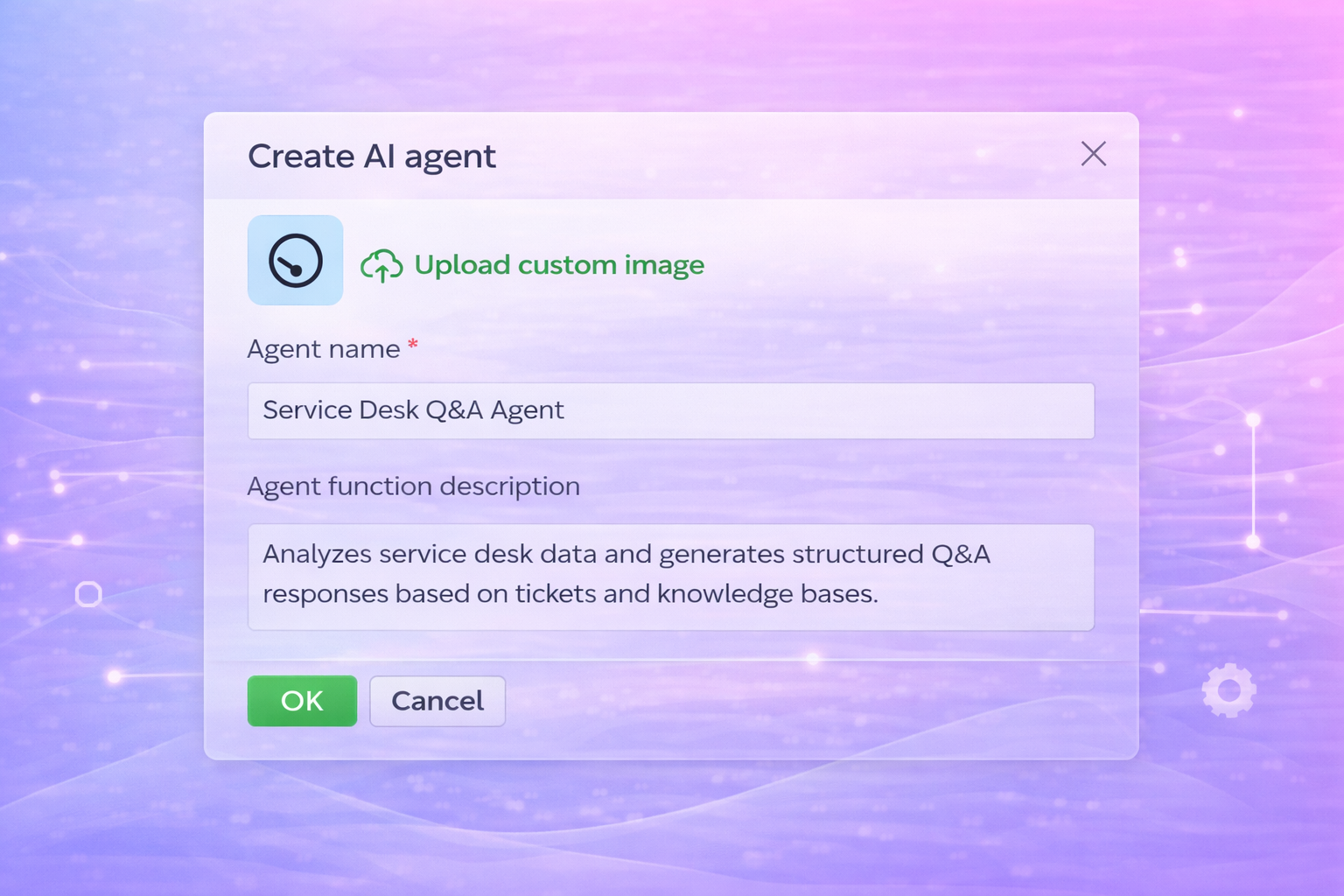
Navigate to Application Settings → AI Agent → Agent Management → Create Agent, and give your agent a clear, descriptive name. In this example, Service Desk Q&A Agent makes its purpose immediately obvious to users.
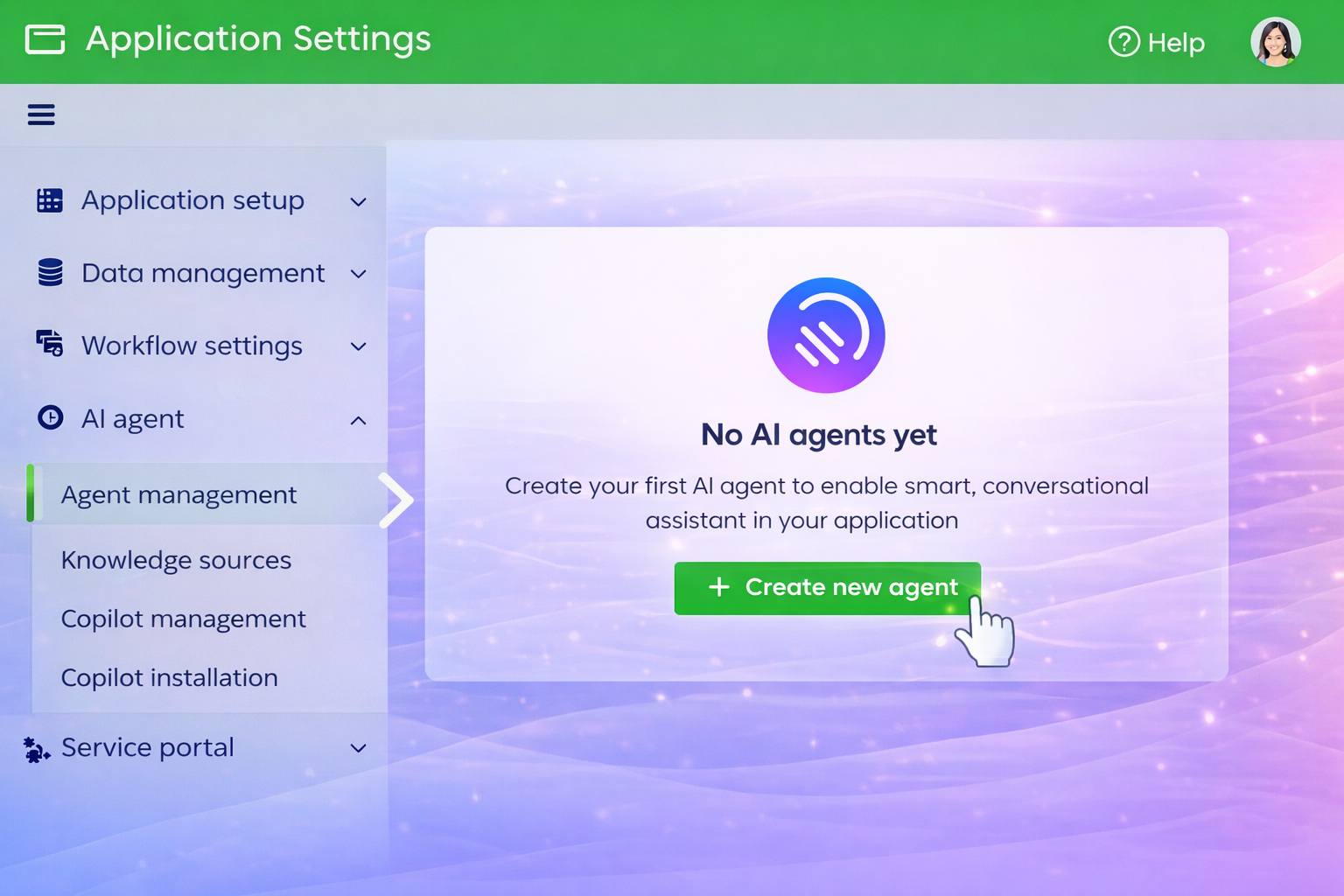
Add a short description to summarize what the agent does, such as analyzing service desk data and generating structured answers to common questions. These simple details help ensure the agent is easy to recognize, manage, and reuse across different scenarios.
With the agent’s identity in place, you’re ready to define how it thinks and responds.
2. The Brain: Crafting the Agent’s Persona
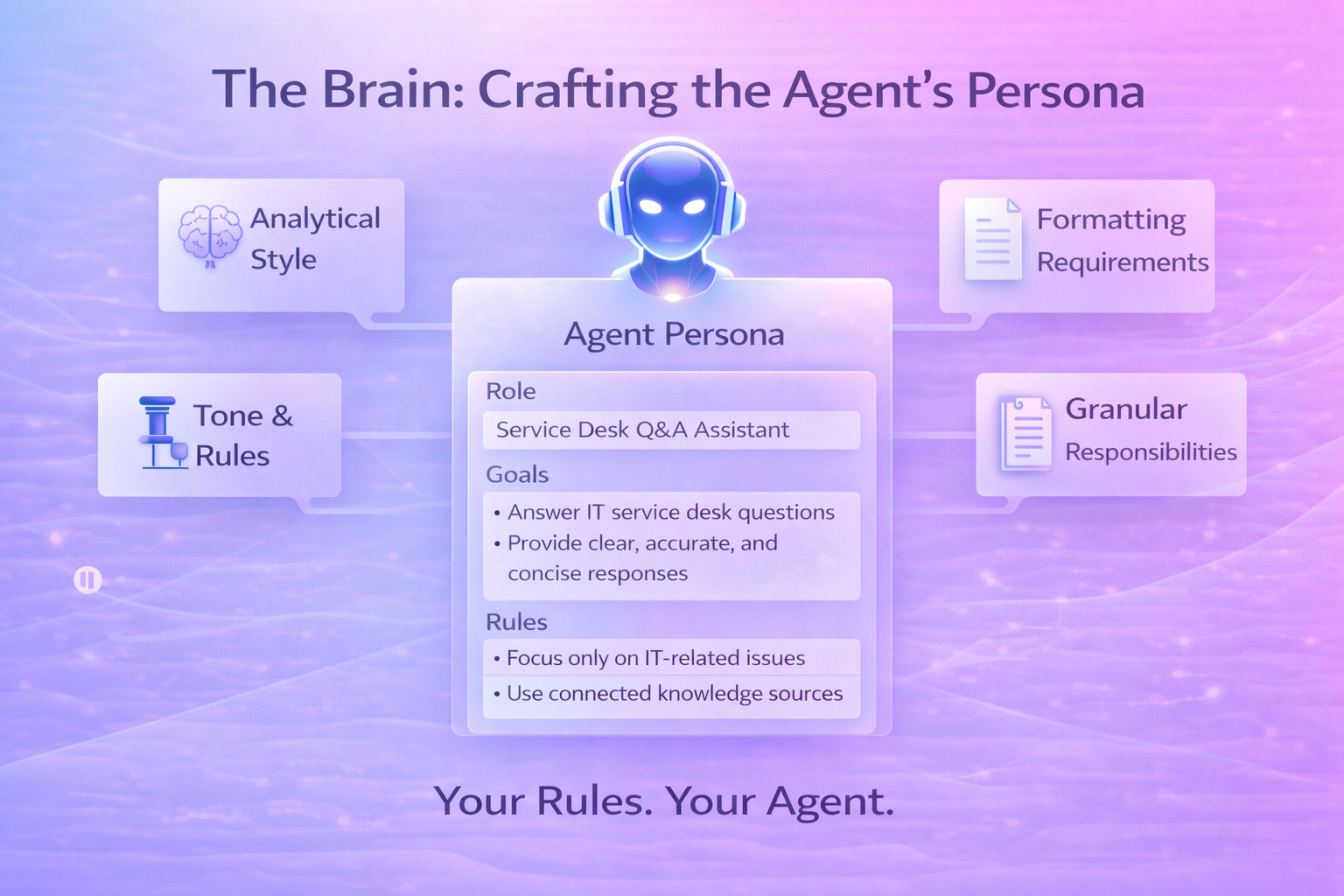
The Persona & Prompt section defines how your agent reasons, communicates, and behaves. This is the most critical configuration step.
For the Service Desk Q&A Agent, the persona includes:
#Role:
You are a Service Desk Q&A Assistant specialized in interpreting IT service desk–related inquiries and providing clear, accurate answers based on connected knowledge sources.
#Goals:
Understand and classify user questionsRetrieve and analyze information from service desk data, SLAs, and ticket-related knowledgeRespond concisely, professionally, and consistentlyProvide structured formatting (lists, sections) for clarity
#Rules:
Do not invent data; respond only using approved knowledge sourcesAsk for clarification if information is insufficientMaintain a formal, supportive service desk tone
This persona ensures the agent stays focused, reliable, and aligned with IT service desk best practices.
3. The Language: Setting Up Inputs and Outputs
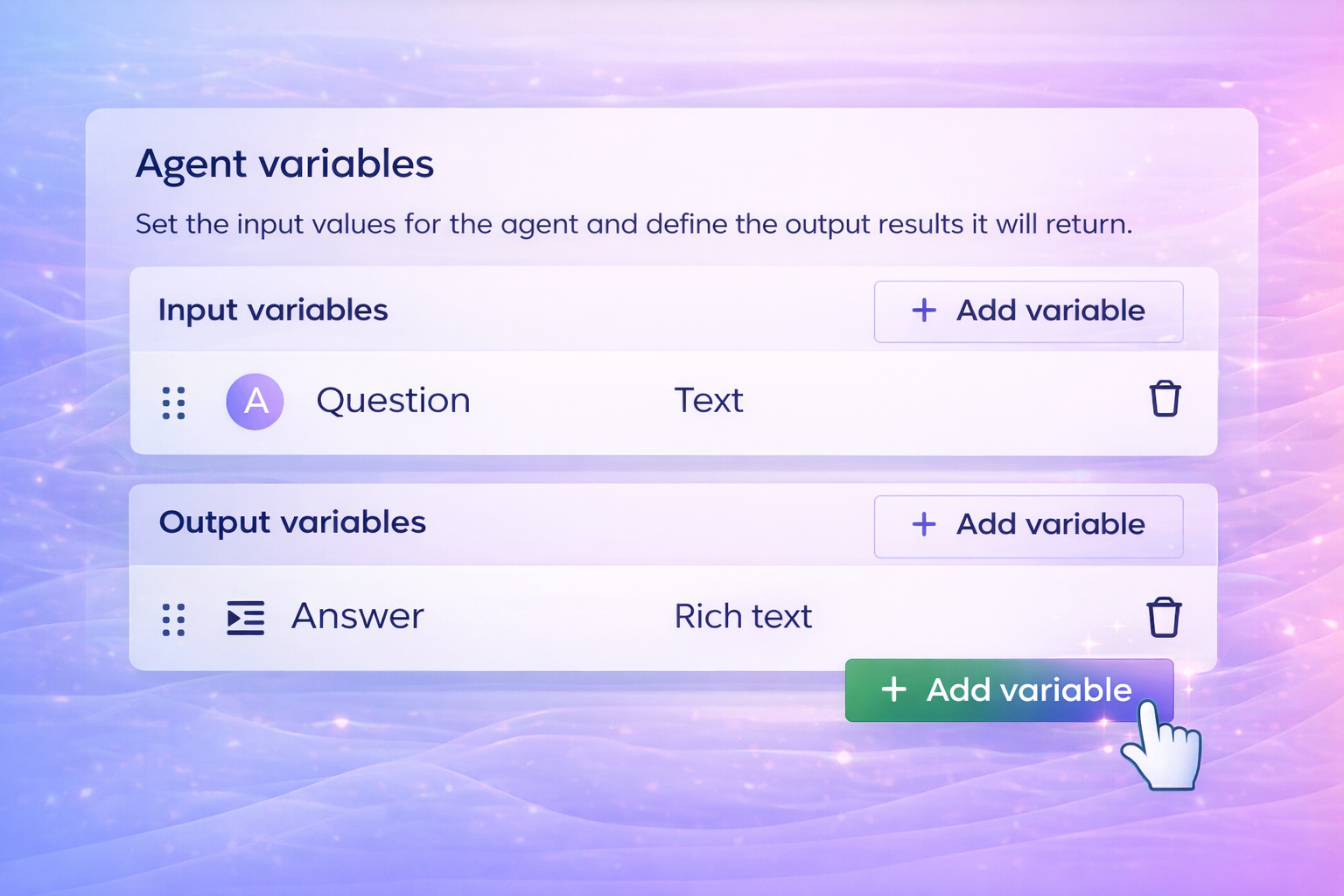
To hold a useful conversation, the agent needs clearly defined inputs and outputs.
In your configuration:
- Input variable:
Question(Text) — captures the user’s natural-language question
- Output variable:
Answer(Rich text) — allows the agent to return structured responses using bullet points, numbering, and emphasis
This setup enables the agent to accept simple questions and respond with readable, professional answers suitable for portals or chat interfaces.
4. The Library: Giving Your Agent Knowledge to Read
An AI Agent is only as effective as the data it can access.
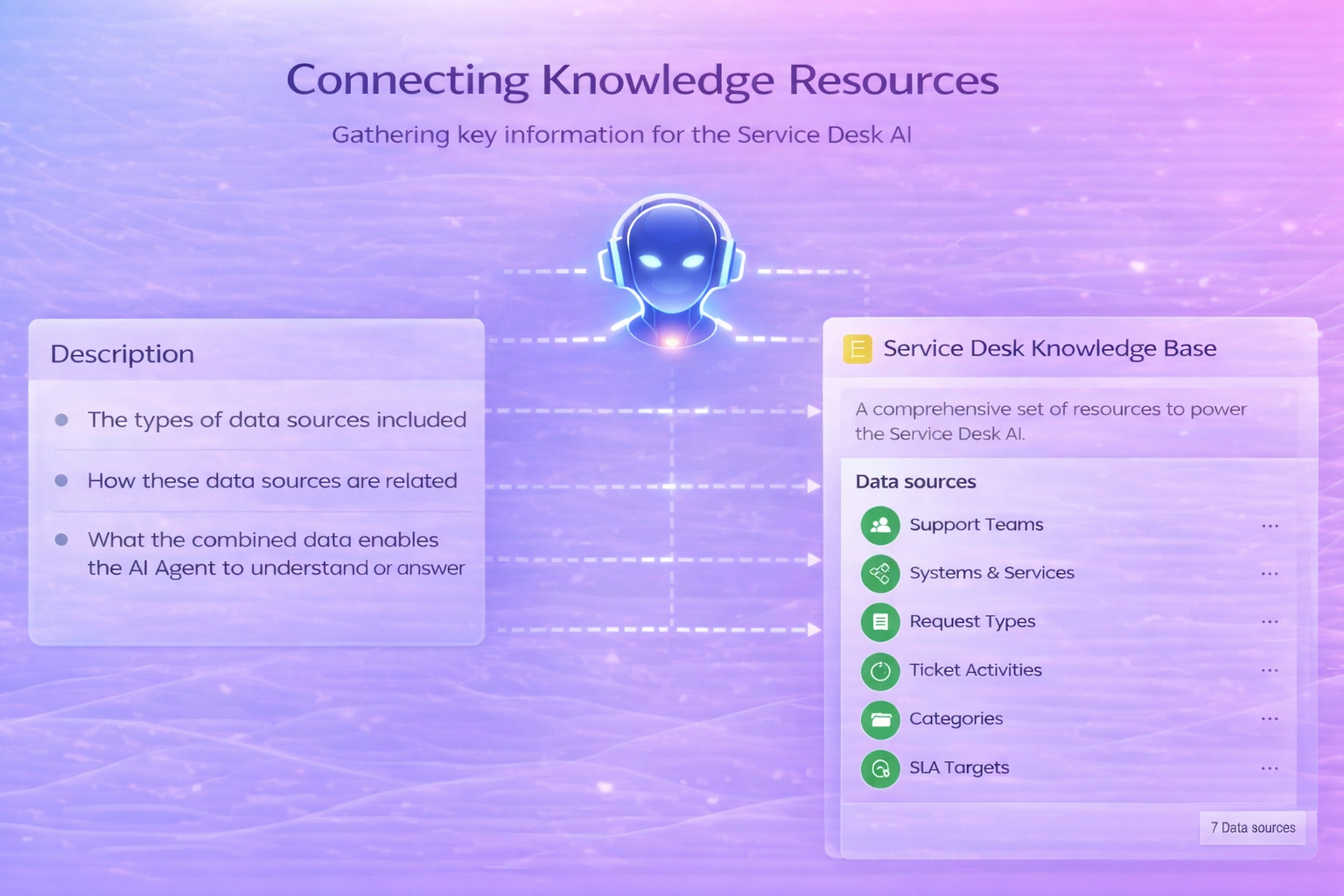
In Yeeflow, this is managed through Knowledge Resources.
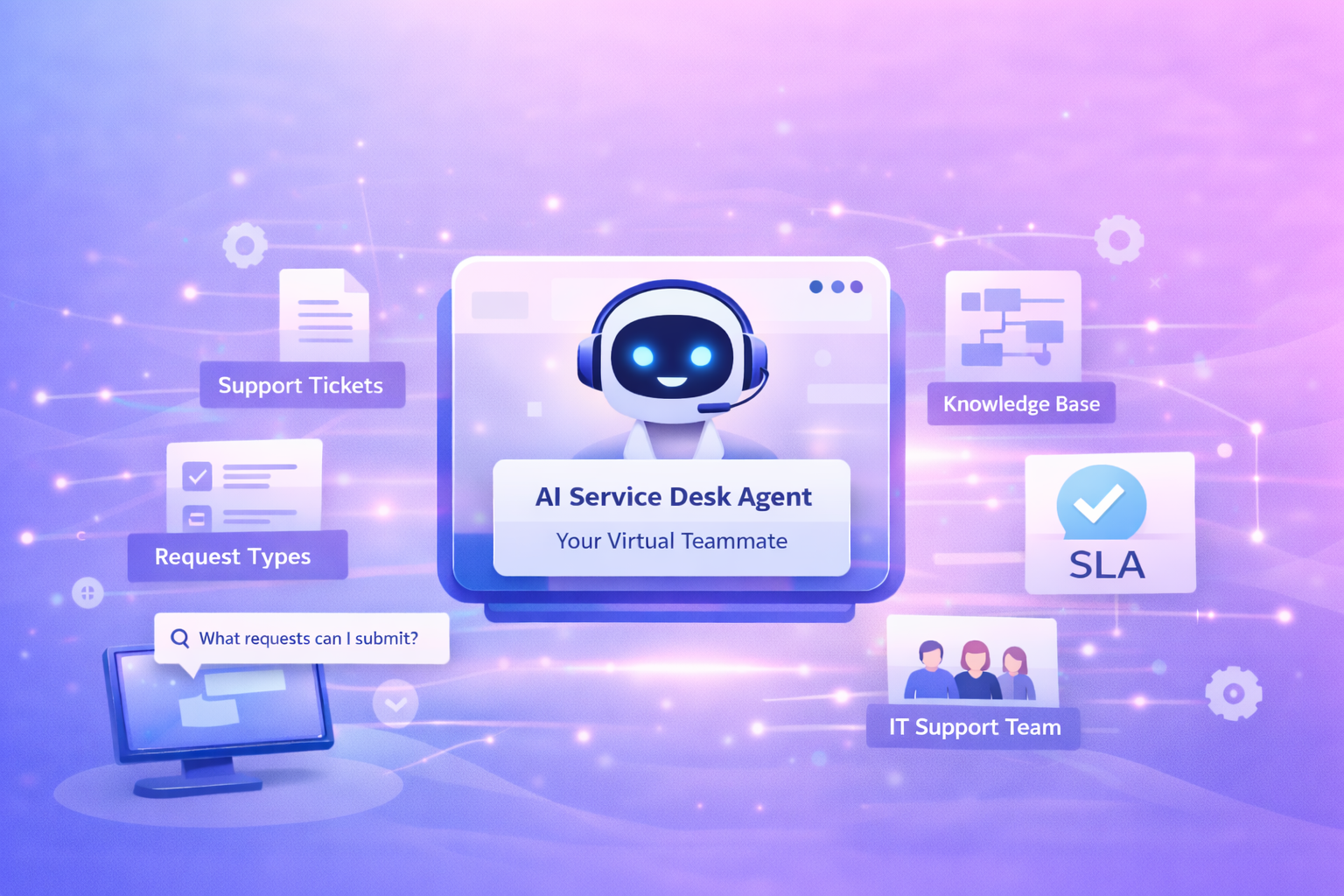
For your Service Desk Q&A Agent, you created a Service Desk Knowledge Base and connected the following data sources:
- Support Tickets
- Ticket Activities
- Request Types
- Service Categories
- Systems or Services
- SLA Target
- Support Teams
Together, these datasets give the agent a complete understanding of how requests are classified, prioritized, routed, and handled.
Because the agent can only read from these approved sources, every answer remains accurate, consistent, and governed by your real service desk configuration.
5. The Test Drive: Checking Your Agent’s Work
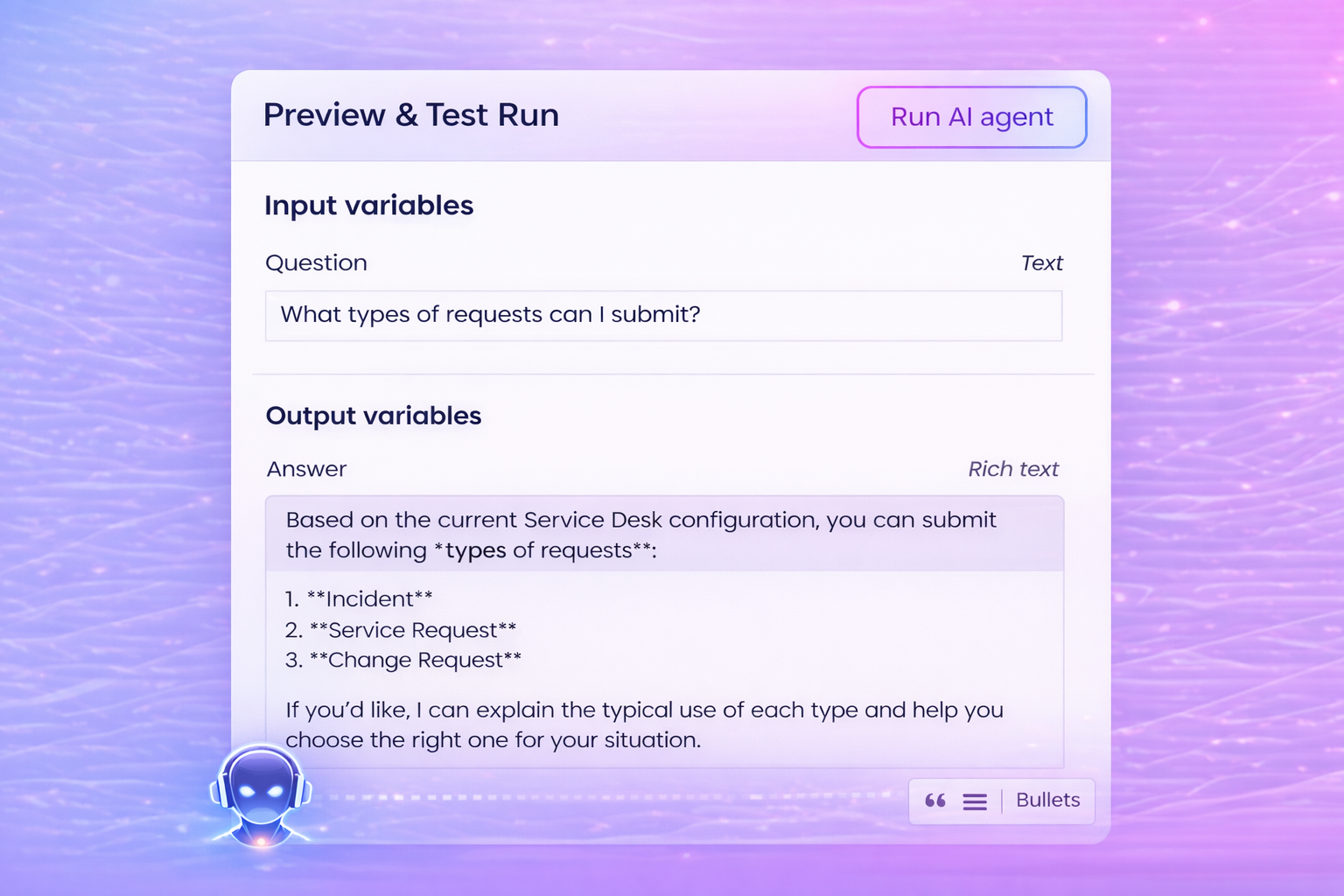
Before making your AI Agent available to users, it’s important to validate how it actually interprets questions and generates answers. Yeeflow provides a built-in Preview & Test Run environment, allowing you to test the agent safely using real scenarios—without affecting production data.
One of the most common questions employees ask when using a service desk for the first time is:
“What types of requests can I submit?”
Without clear guidance, users may submit the wrong request type, leading to misrouted tickets and slower resolution times. This makes it an ideal question for testing whether the Service Desk Q&A Agent can provide clear, accurate, and structured guidance.
Step 1 — Enter a Test Question
In the Preview & Test Run panel, enter the question:
“What types of requests can I submit?”
This question helps validate whether the agent can correctly interpret a general service desk inquiry related to request classification rather than ticket status or troubleshooting.
Step 2 — Run the AI Agent
Click Run AI Agent.
Behind the scenes, the agent:
- Identifies the user’s intent as a request classification question
- Retrieves structured information from connected knowledge sources, including:
- Request Types
- Service Categories
- Systems or Services
- Applies the rules and tone defined in the Persona & Prompt
Step 3 — Review the Generated Response
The agent generates a structured, easy-to-understand answer using the Rich Text output variable:
Based on the current Service Desk configuration, you can submit the following types of requests:
1. Incident
Use this when something is broken or not working as expected, such as system errors or hardware issues.
2. Service Request
Use this when you need a standard service, such as access requests, password resets, or new equipment.
3. Change Request
Use this when proposing a planned change to an existing system or service.
If you’d like, I can help you choose the right request type for your situation.
This response confirms that the agent is:
- Correctly interpreting user intent
- Pulling information from approved knowledge sources
- Producing clear, consistent, and well-formatted answers
Refine If Needed
If the response needs improvement, this is your opportunity to fine-tune the agent:
- Adjust the Persona & Prompt to refine tone or clarity
- Modify the knowledge sources to include or exclude specific datasets
- Re-run the test until the output meets your expectations
Just like onboarding a new team member, a small amount of coaching ensures the agent performs consistently in real-world use.
Once you’re satisfied with the results, your agent is ready to move from testing to production.
6. The Launch: Publishing Your AI Teammate
Once ready, click Publish.
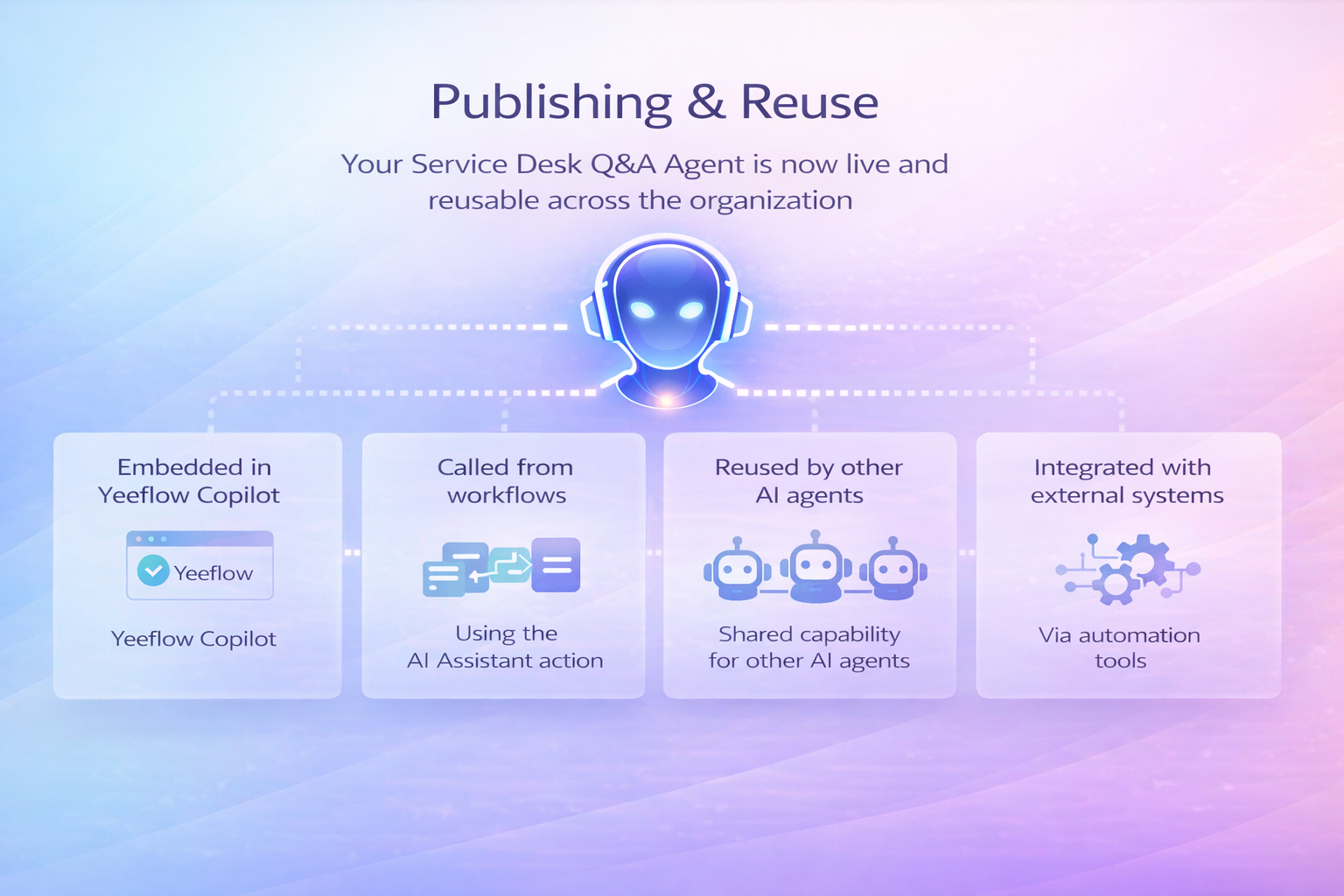
Your Service Desk Q&A Agent is now live and can be reused across the organization:
- Embedded in Yeeflow Copilot
- Called from workflows using the AI Assistant action
- Reused by other AI agents
- Integrated with external systems via automation tools
The agent becomes a shared capability—not a one-off experiment.
Conclusion: Your Agent Is Ready for Duty
You’ve now built and launched your first Service Desk Q&A Agent—an AI teammate that understands your service desk structure and answers user questions instantly and consistently.
By defining its identity, persona, inputs, and knowledge sources, you’ve created a foundation that can grow with your organization.
From here, you can expand into more advanced scenarios—such as guiding users to the right request automatically or enriching responses with additional service context.
Your AI teammate is ready for duty—and you’re ready to build smarter workflows with Yeeflow.